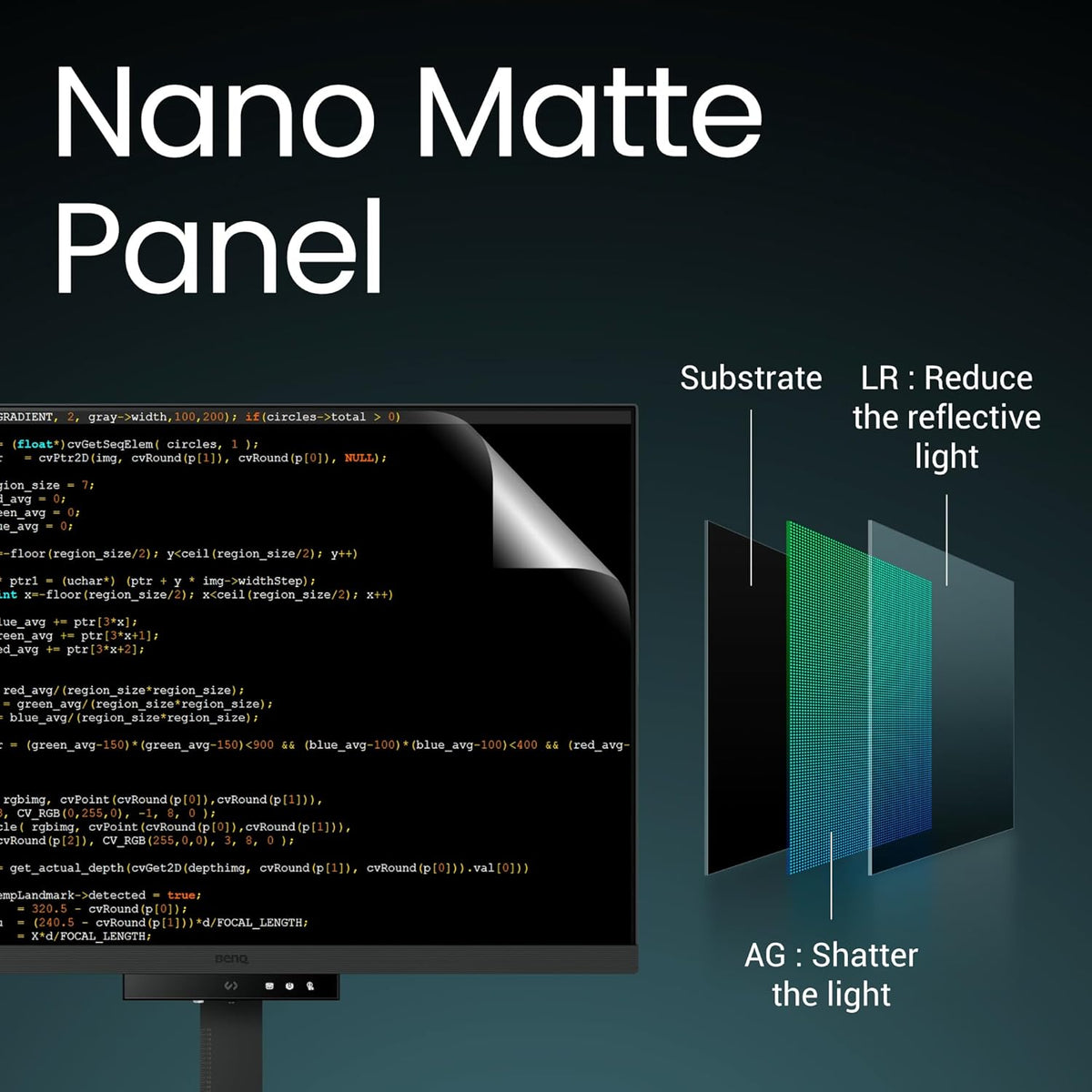
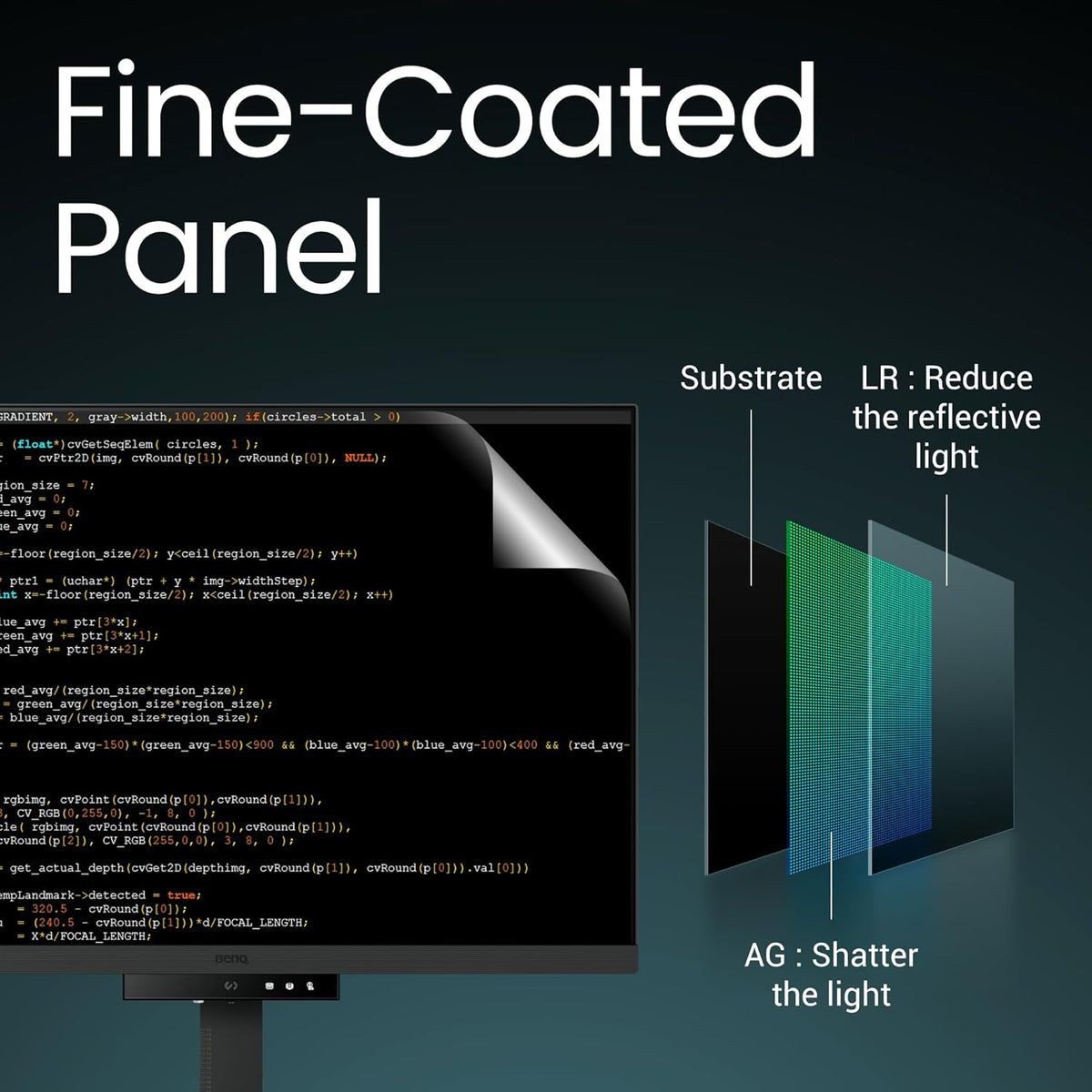
Nano Matte Panel: Unlock peak productivity with BenQ's exclusive anti-glare. anti-reflective Nano Matte Panel designed for programmers.
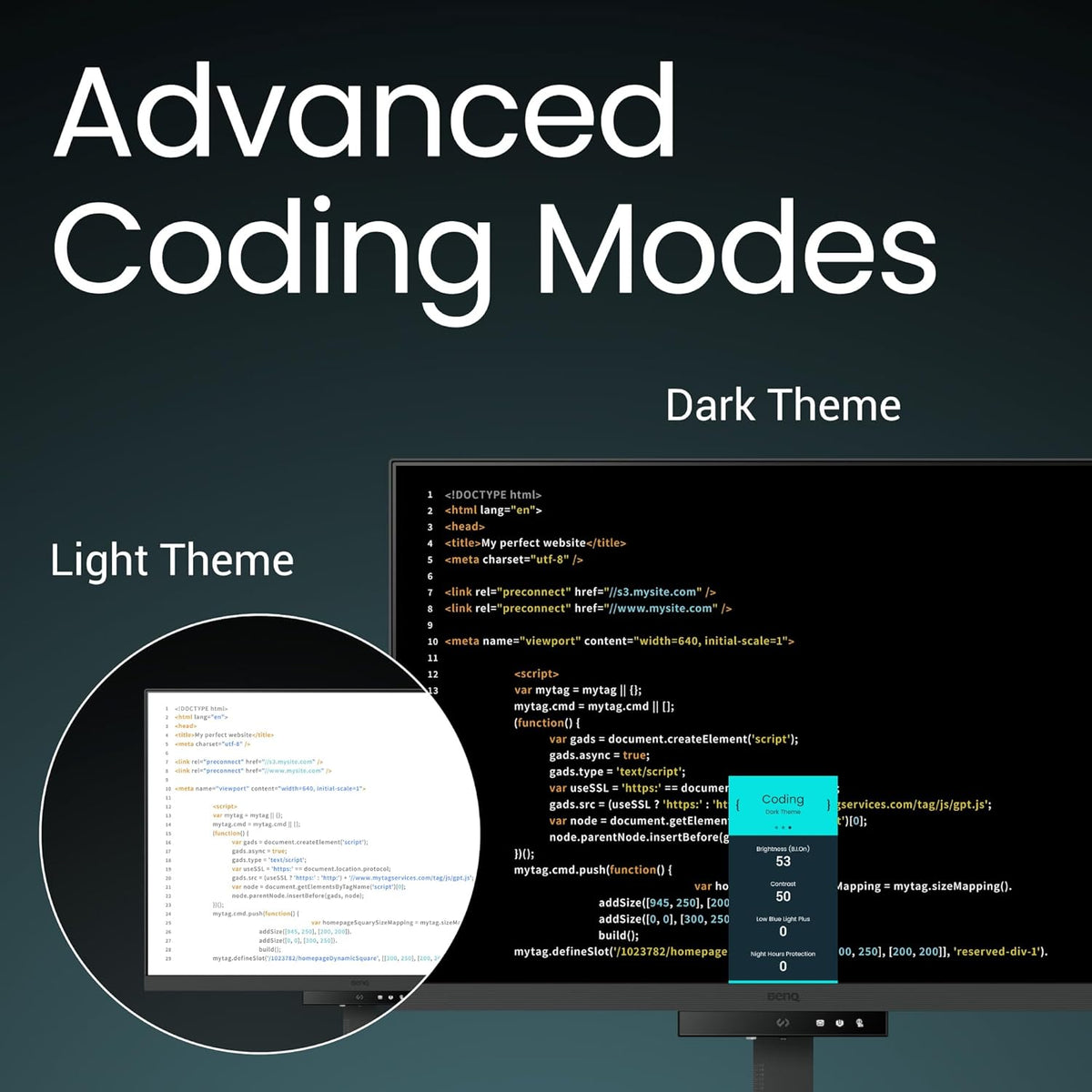
Advanced Coding Modes for Improved Codes Differentiation: Crafted for programmers. BenQ Programming Monitor offers you full immersion in your code.
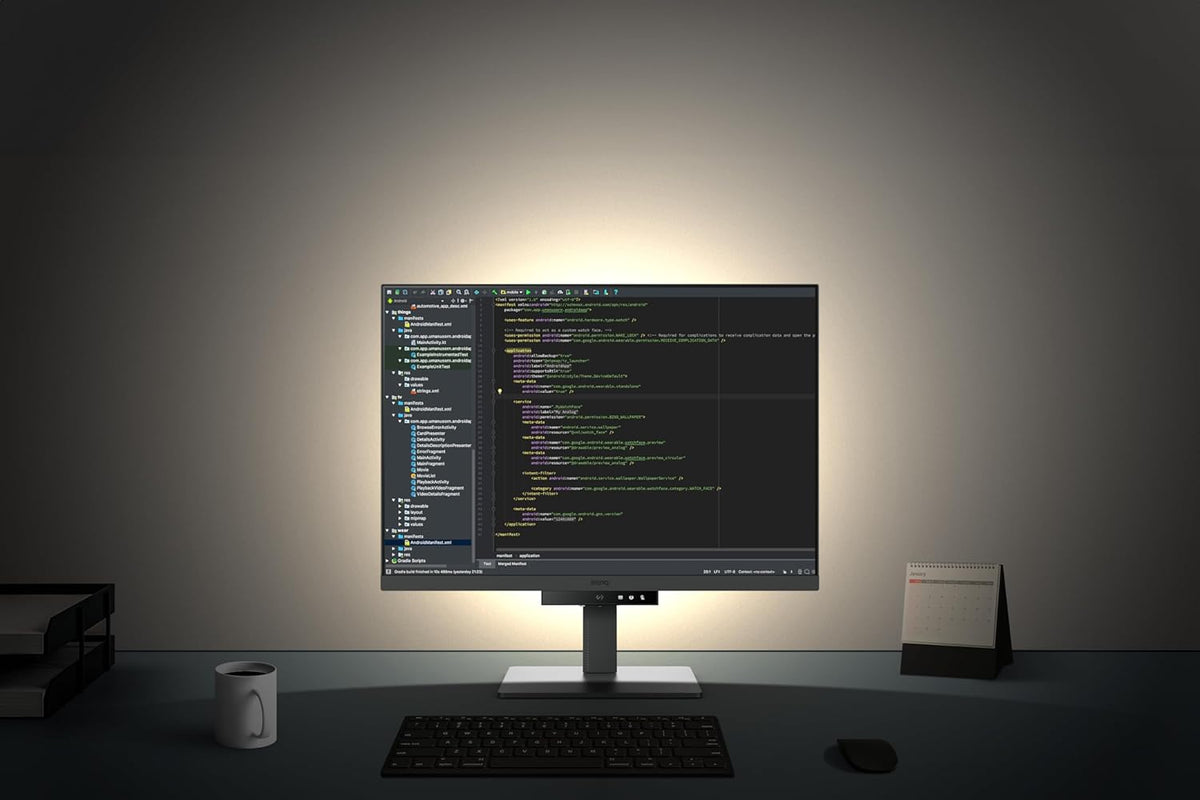
Experience Focus with Unique Backlight: Experience MoonHalo by BenQ – a blend of immersive and comforting illumination.
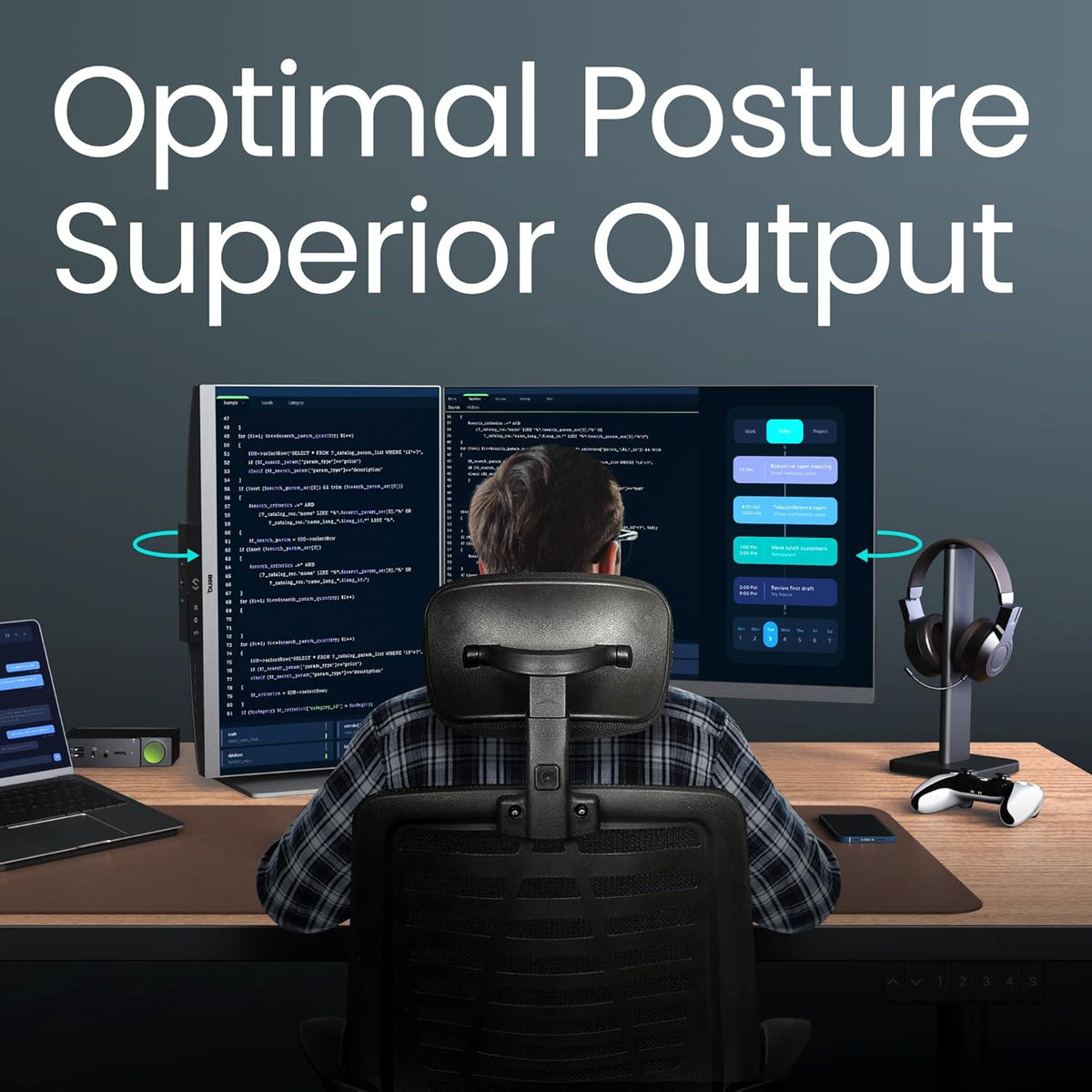
Optimal Posture. Superior Output: BenQ Programming Monitors prioritize your comfort for long-term projects.
Keep Your Eyes Fatigue-Free: Experience unmatched eye comfort during night hours with our Night Hours Protection and Brightness Intelligence Gen2.
RD Series - Designed for Coding
1Special Ratio for Coding2Nano Matte Panel3Focus Anytime1Superior Code 2Comfort and Efficiency3Quick-access4Eye Protection5Superior Output1Code with Refreshed Eyes2Brightness AI Detection4Vision of Sustainability
*Please note that Mac and MacBook devices only support daisy chaining via Thunderbolt.
Daisy chaining is not supported via HDMI or using regular USB ports on any device. Also. you can only connect a single external display with the M1 or M2 chips. For more information about connecting different Mac models to external displays. please refer to the Apple website.
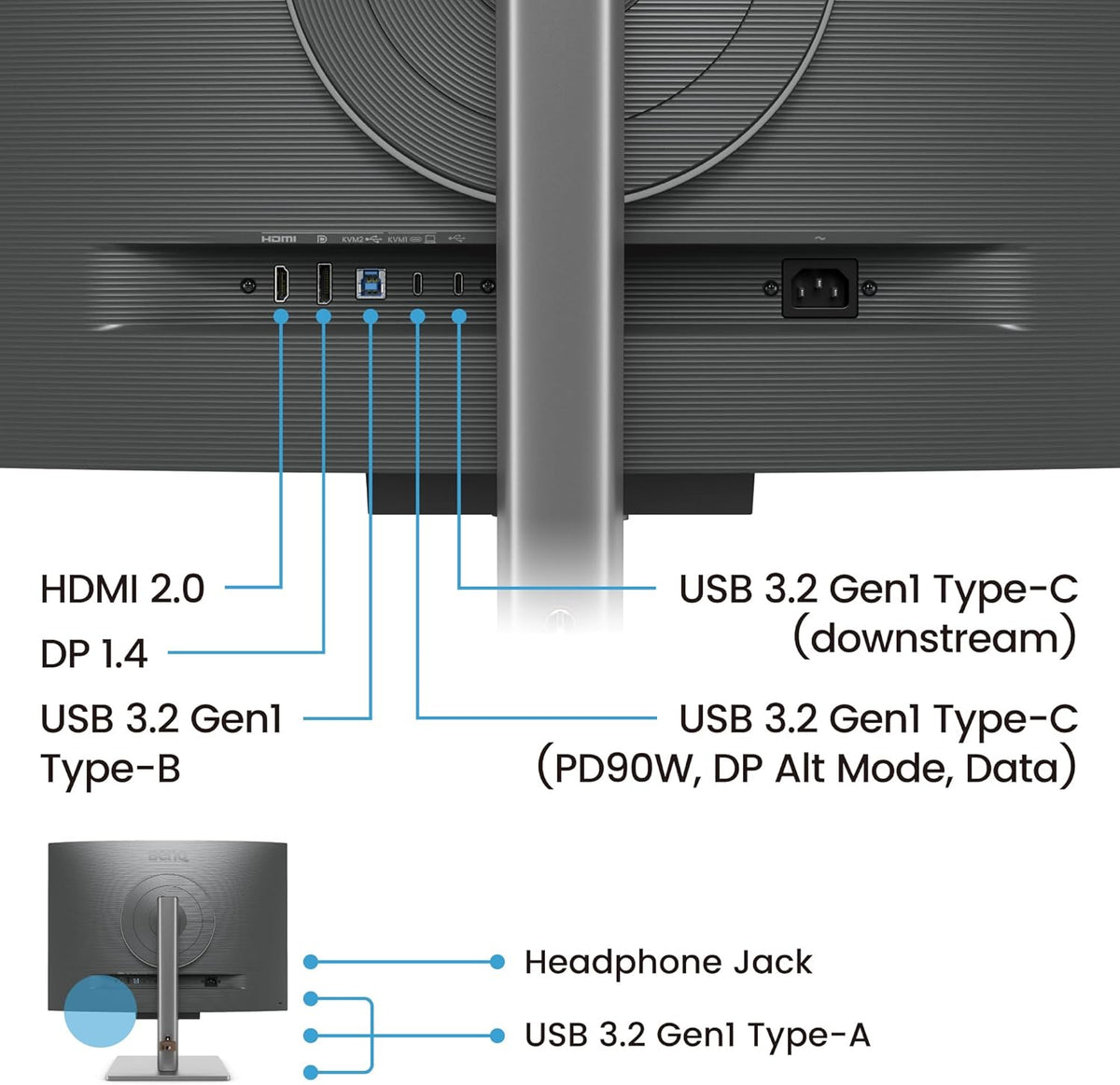
Power delivery of USB-C port on your monitor
Charging via USB-C in monitor power saving mode: System > Power Awake and select ON.
Achieve More and Scroll Less
Empowering Programmers with a Nano Matte Panel
Experience Focus Anytime with MoonHalo
Superior Code Differentiation
Code Swiftly with Comfort and Efficiency
Quick-access Coding HotKey
Night Hours Protection
Optimal Posture. Superior Output
Code with Refreshed Eyes
Brightness Intelligence Gen2
BenQ's Green Commitment-A Vision of Sustainability
Daisy Chain with the 90W USB Type-C